












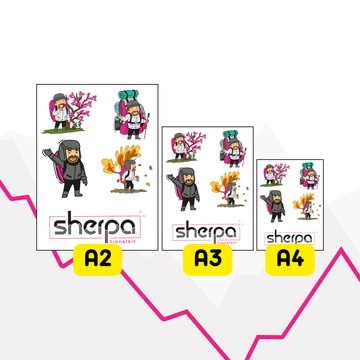
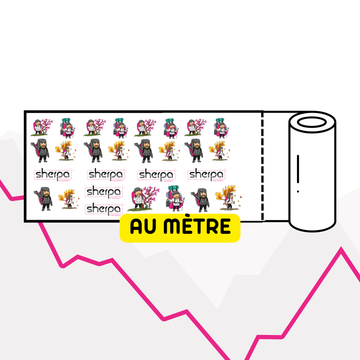

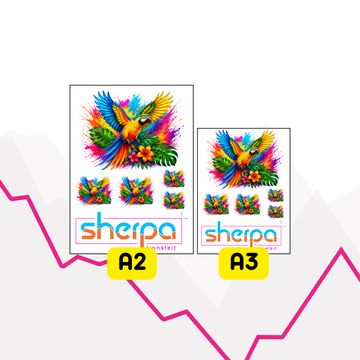





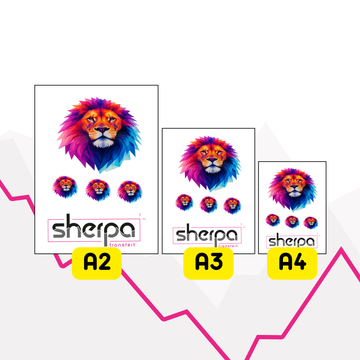






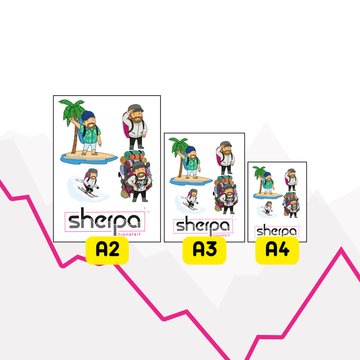
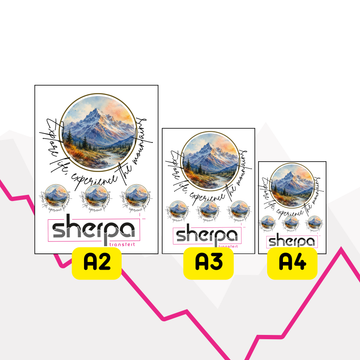
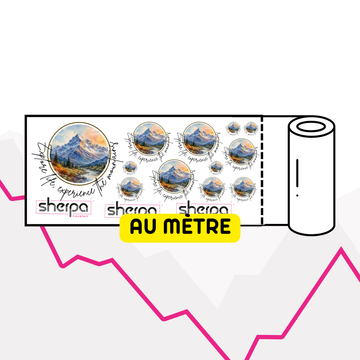
















































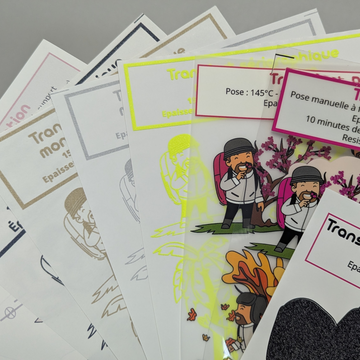

Using the following tables, you can download our PDF printing templates.
Templates for Illustrator:
| Format | Portrait | Landscape |
| A2 | ||
| A3 | ||
| A4 | ||
| Heart |
Templates for Photoshop:
| Format | Portrait | Landscape |
| A2 | Download | Download |
| A3 | Download | Download |
| A4 | Download | Download |
| Heart | Download | Download |
How to use these templates?
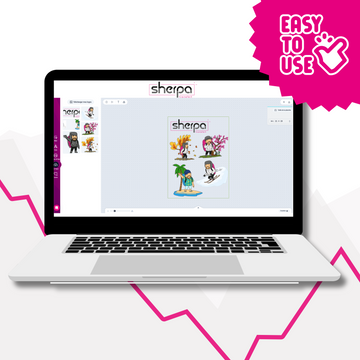
Simply open them in Photoshop or Illustrator, add your logos and save them as .PDF.
💡 Tips: You can uncheck the “Keep layers” box when saving your files. This will make your files less heavy.


